Weeks 29-30 – Simulating the robot in Gazebo
During these two weeks, I made a major improvement in the project by migrating the robot simulation from MuJoCo to Gazebo and integrating it with ROS2.
After successfully controlling the robot in MuJoCo using a neural network, the next step was to port the system to Gazebo in order to work within a ROS2-based pipeline.
Gazebo simulation setup
The first challenge was obtaining a compatible model of the Unitree G1 robot for Gazebo. I used two main repositories:
However, Luis’ repository was designed to run inside a Docker environment using ROS2 Humble, which caused compatibility issues with my local ROS2 Jazzy setup.
Although the migration from ROS2 Humble to Jazzy required minimal changes, the main difficulty came from the heavy use of absolute paths inside the Docker container. These paths were used to locate models, worlds, and ROS-Gazebo bridges, making the project non-portable.
To solve this, I restructured the project to make it compatible with a standard ROS2 workspace:
- Moved all required directories inside the package structure
- Replaced absolute Docker paths with dynamically generated ROS2 package paths
- Adjusted launch files to not use Docker-specific rendering constraints as the default lauching mode
- Migrated the build system from
setup.pytoCMakeLists.txtto ensure proper resource installation viacolcon
After these changes, the G1 model was fully functional in Gazebo.
Inference node implementation
Once the simulation was ready, I implemented the inference node responsible for controlling the robot using the neural network.
A key concern was latency introduced by ROS2 topic communication. To minimize overhead, I implemented the entire inference pipeline in C++, avoiding multiple distributed nodes and reducing inter-process communication.
The node subscribes to the following topics:
/cmd_vel/g1/imu/pelvis/g1/joint_states/g1/pelvis/odometry
Using these inputs, the node constructs the feature vector required by the neural network. The model is executed using the ONNX Runtime library.
The output of the network is then published directly to each joint controller topic, enabling real-time control of the robot.
Result
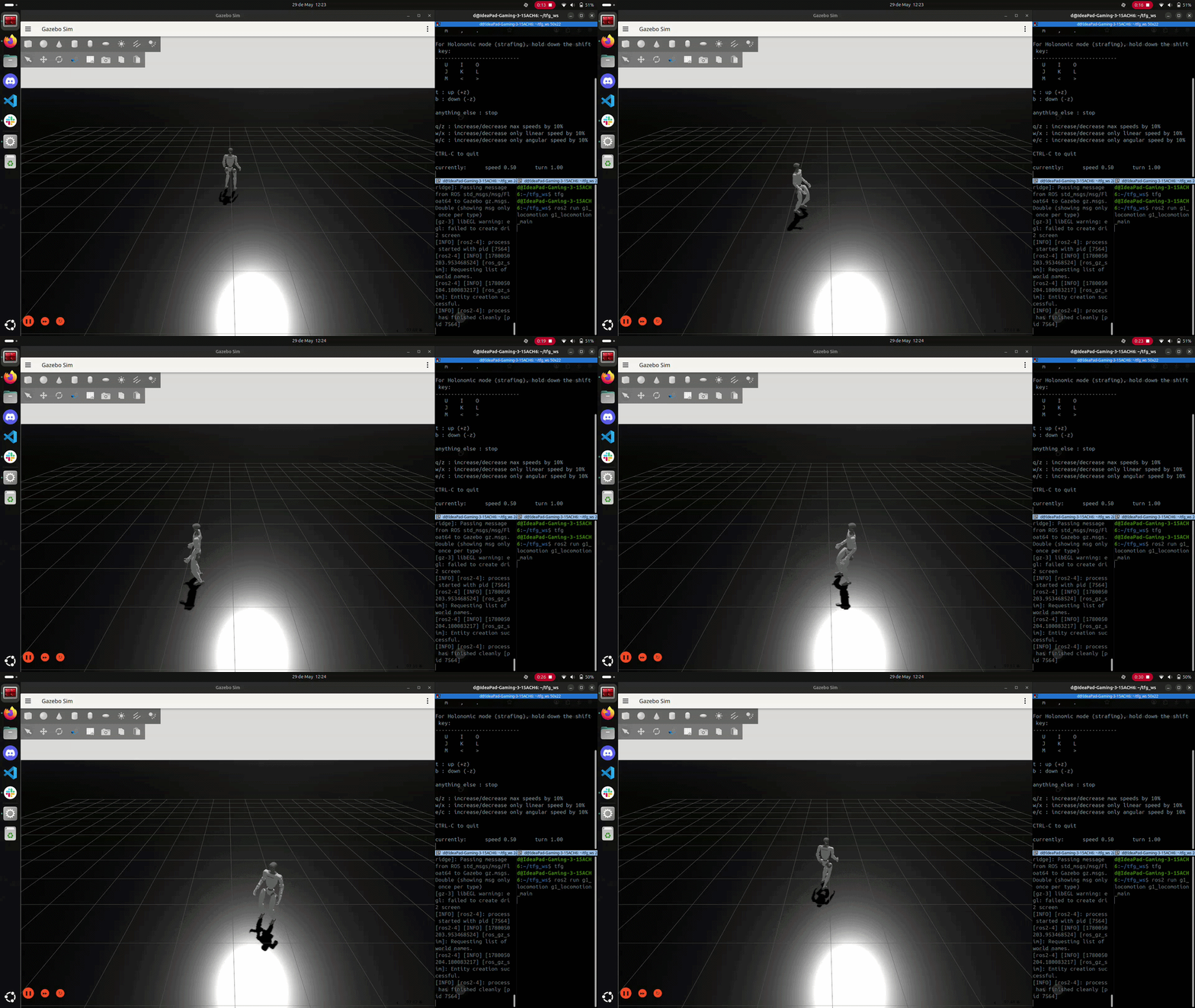
With this implementation, the G1 robot in Gazebo is able to follow velocity commands published to /cmd_vel using the trained neural network policy.
Finally, all changes were integrated into the repository, and the README was updated with installation and usage instructions.
Here there is a small GIF of the G1 robot being teleoperated inside the Gazebo simulator.
Summary
- Simulating the G1 in Gazebo
- Controlling the network using ROS2