Week 2 – Preparing the Robots
In the second week, the goal was to visualize the robots in Gazebo and explore their topics in ROS 2.
First, I had to find the robot models. The Unitree ROS 2 GitHub repository does not include their robot models. After searching through their GitHub page, I found the models repository. However, it had two issues:
- Deprecated repository: The
READMEmentions it is deprecated. Although the last update was just four months ago, it was not a major problem because they provide a link to a website with the up-to-date models. - File format: The models in this repository use the
.usdformat, which is not supported by Gazebo as they are designed for Isaac Sim.
Eventually, I found the .urdf models in the ROS 1 repository. Since these were made for ROS 1, they required modifications to be compatible with ROS 2.
After obtaining them I focused on adapting the Go2 and H1 robots. The modifications included:
- Updating
package.xmlandCMakeLists.txtfiles to comply with ROS 2 standards. - Converting ROS 1 launch files from
.launchto.launch.pyfor ROS 2. - Updating the RViz configuration files, changing class names from
rviz/...torviz_default_plugins/....
After these changes, the ROS 2 packages were ready. However, when trying to use them in a Docker environment with ROS 2 Humble and Gazebo Harmonic, I encountered multiple visualization issues. These could not be resolved, but switching to ROS 2 Jazzy solved the problems.
After overcoming these obstacles, the robots were finally almost ready for use. The only thing left is being able to visualize them in rviz2, but the TFs and the topics are working.
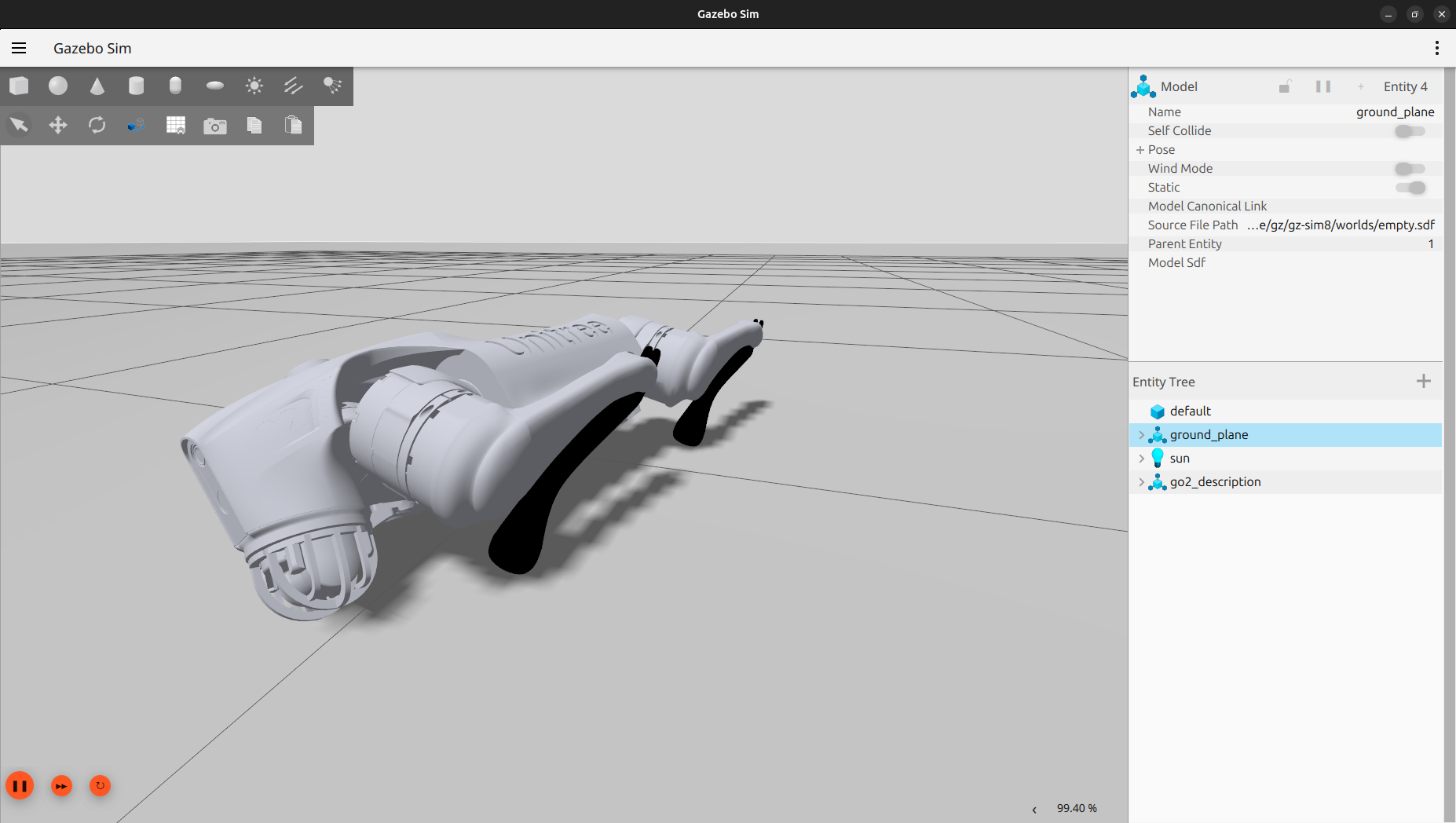 Unitree Go2 robot in Gazebo
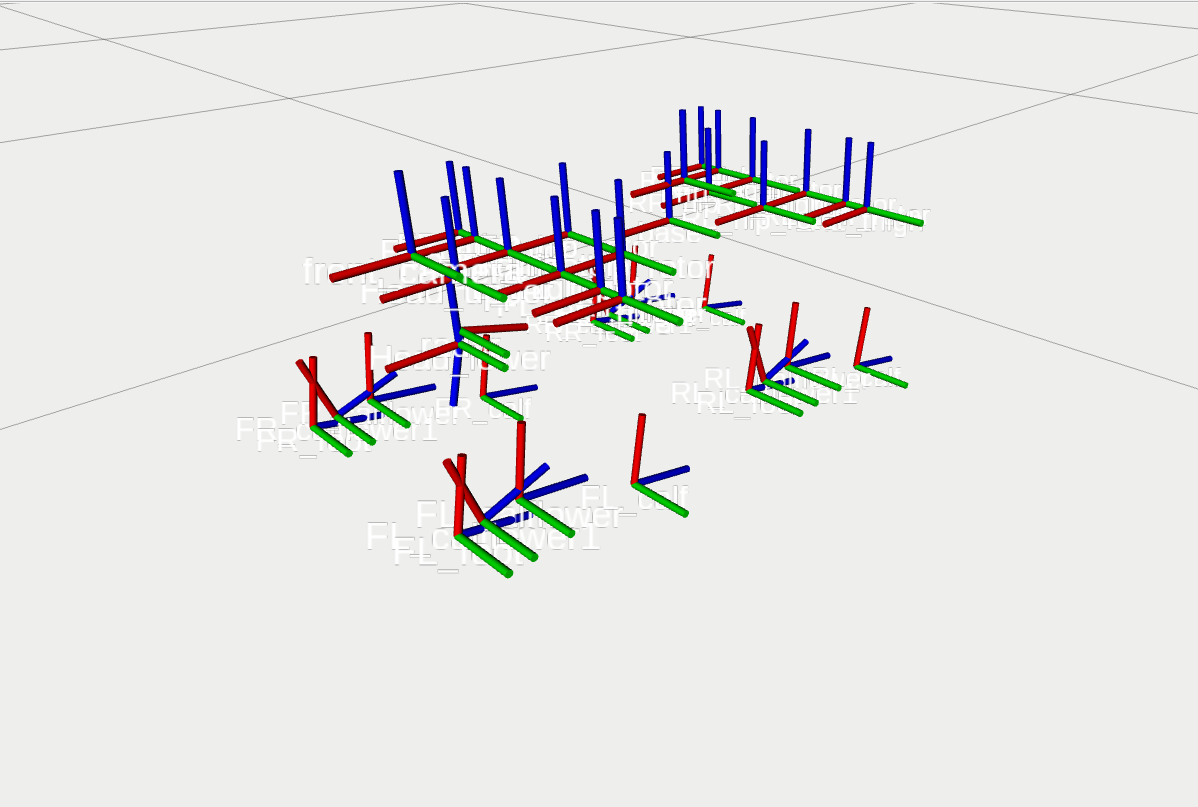 Go2 TFs in rviz2
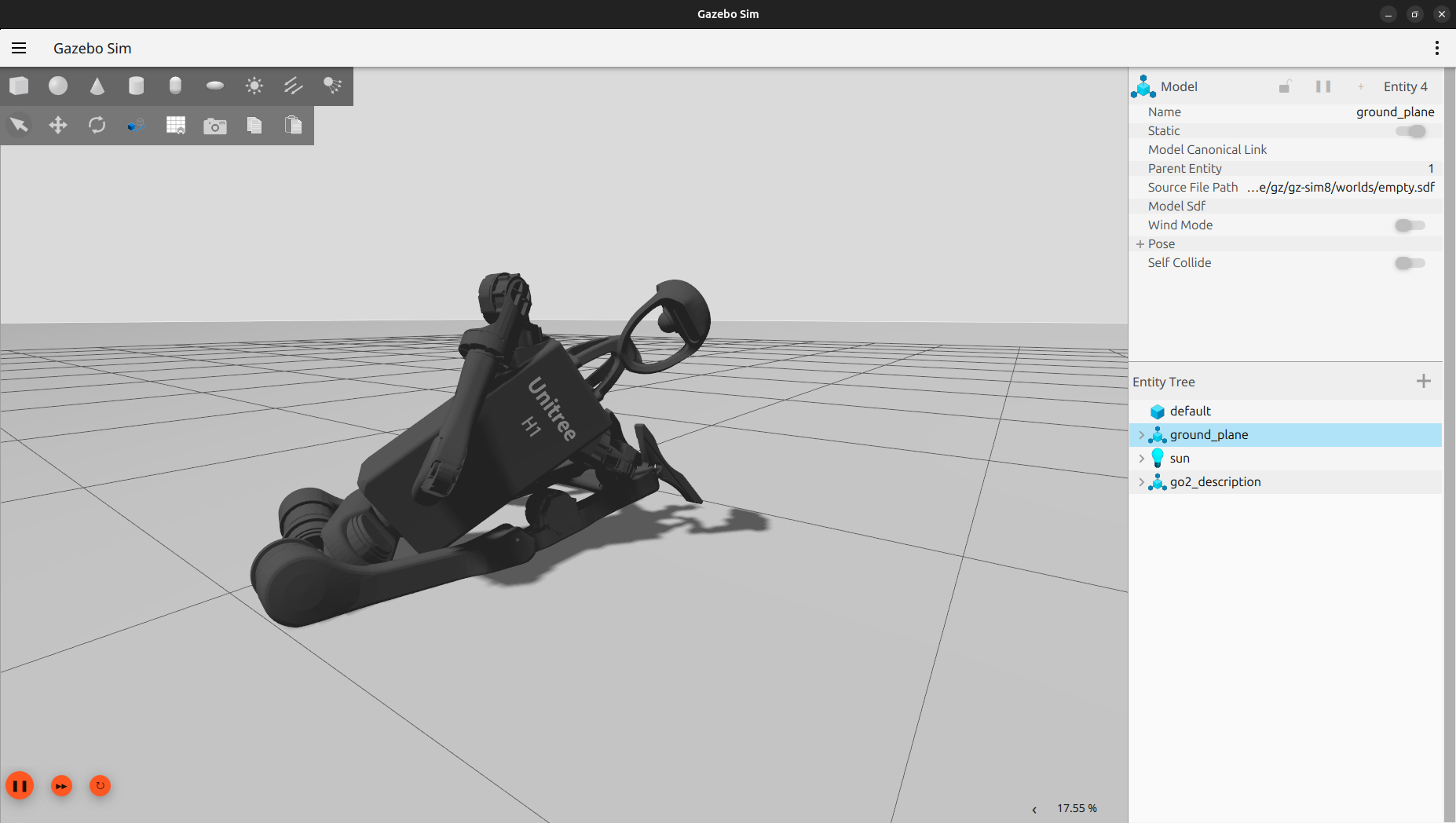 Unitree H1 robot in Gazebo
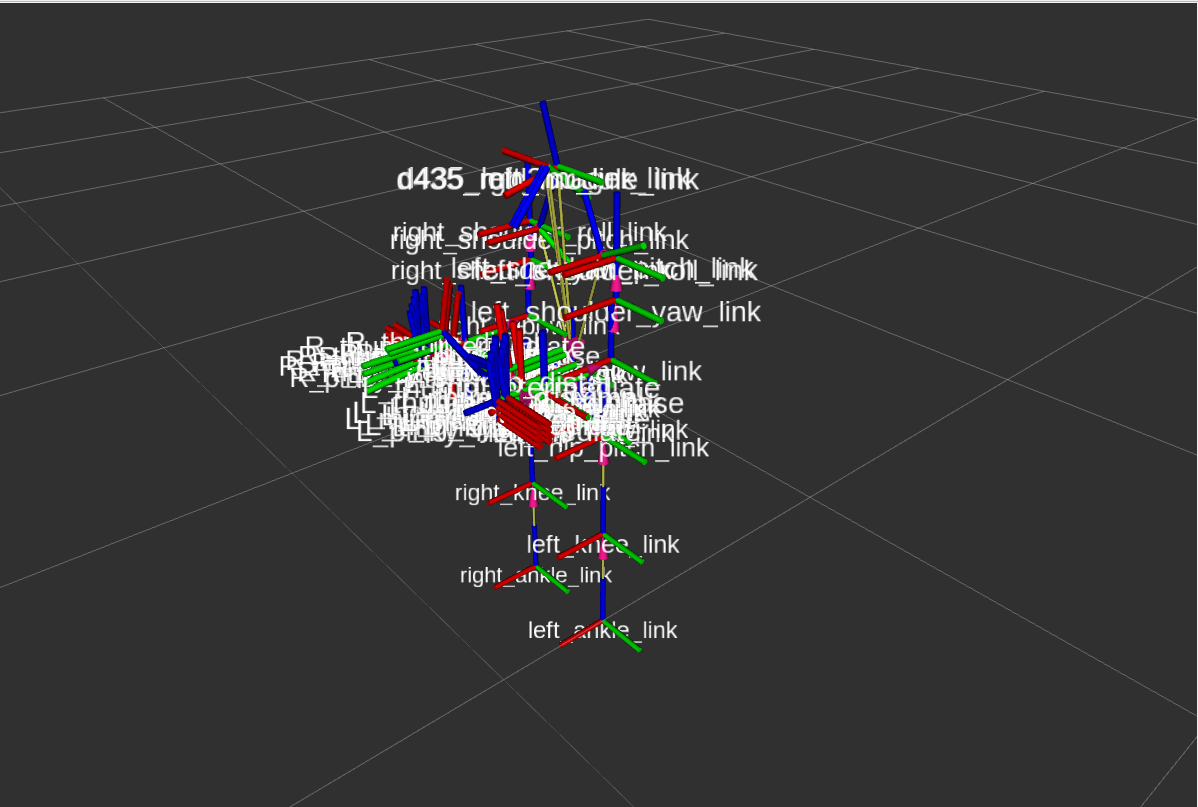 H1 TFs in rviz2
Summary
- Found the robot models
- Updated ROS 1 packages to ROS 2
- Switched ROS 2 version from Humble to Jazzy