Week 3 – Moving the joints
In the third week, the goal was to be able to move the robot’s joints in Gazebo.
To start, I experimented by moving them in Rviz2. This was significantly easier because I had previously created sliders for controlling robot joints in the subject Modelado y Simulación de Robots (Robots Modeling and Simulation), so the code was already developed.
The only issue I encountered was that I could not see the robot in RViz2 initially. This was fixed by changing the Description Topic parameter in the RobotModel visualization.
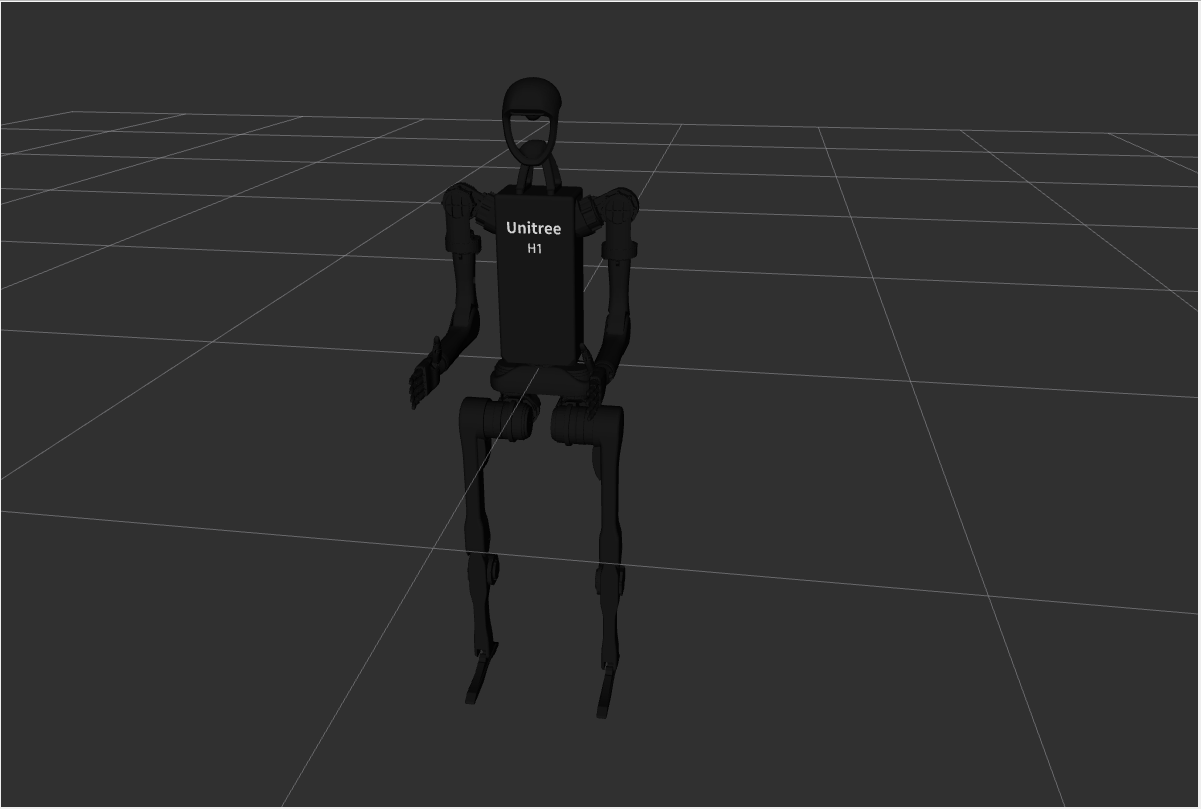
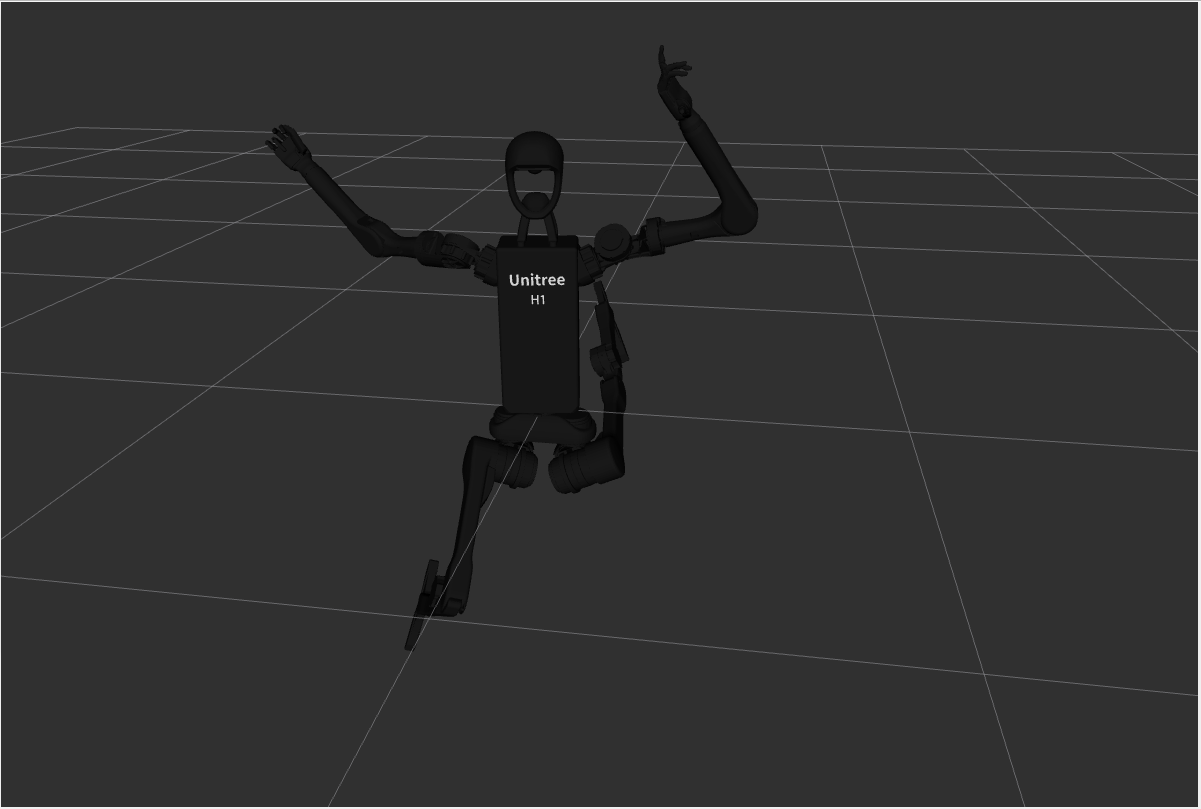
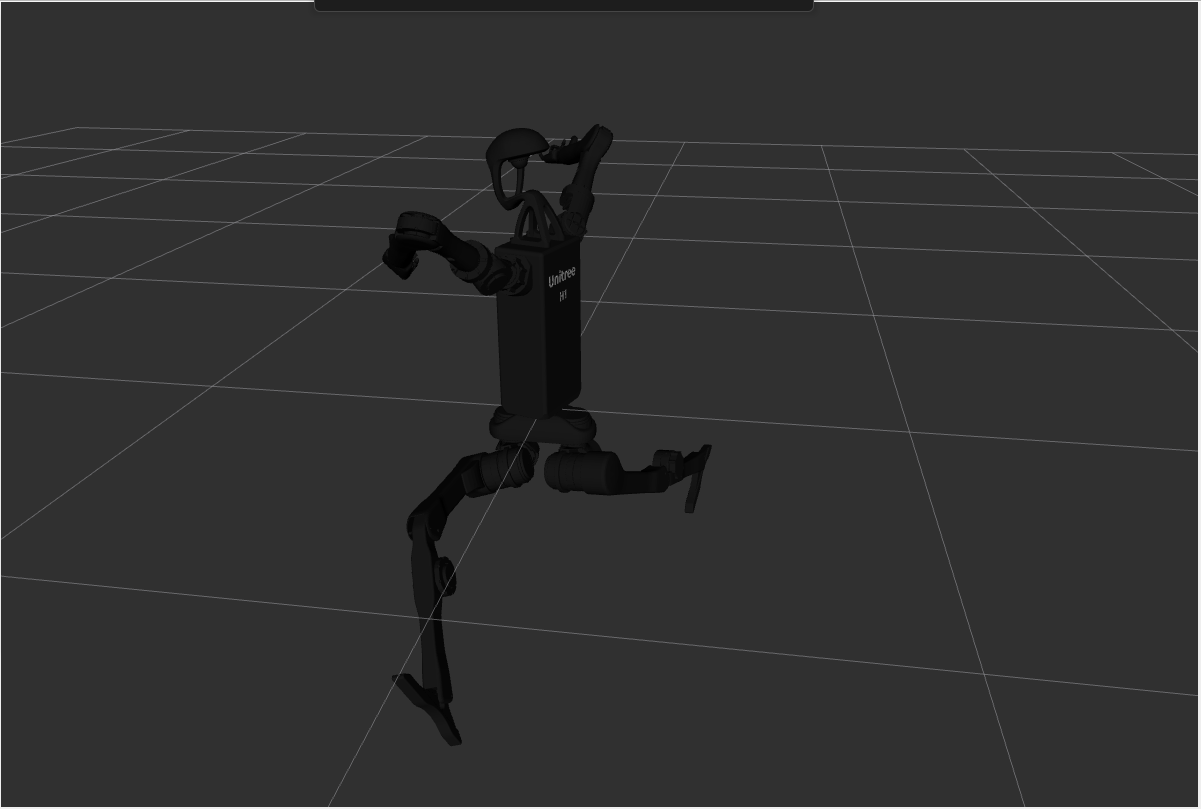
Once this was resolved, I was able to visualize the robot moving its joints. Below are some images of the robot in random joint positions:
|  |
 |
 |
|—|—|—|
This modifications worked for the h1 robot, but if I do the same in the go2 rviz2 shows a message indicating that is not able to find the meshes for the go2. I wasn’t able to fix that.
For the moment I hadn’t be able to make gazebo publish the joints positions or make it read from them, despite gazebo creates a topic for it.
Summary
- Adapted RViz2 to visualize the robots